Imagine answering a phone call from your bank manager. The voice sounds identical to the person who helped set up your account, warning that fraudulent charges have hit your checking balance. Seconds later, a security alert pops up with official logos, asking you to authorize a temporary transfer to a safe vault.
You approve it. Within minutes, your account drops to zero.
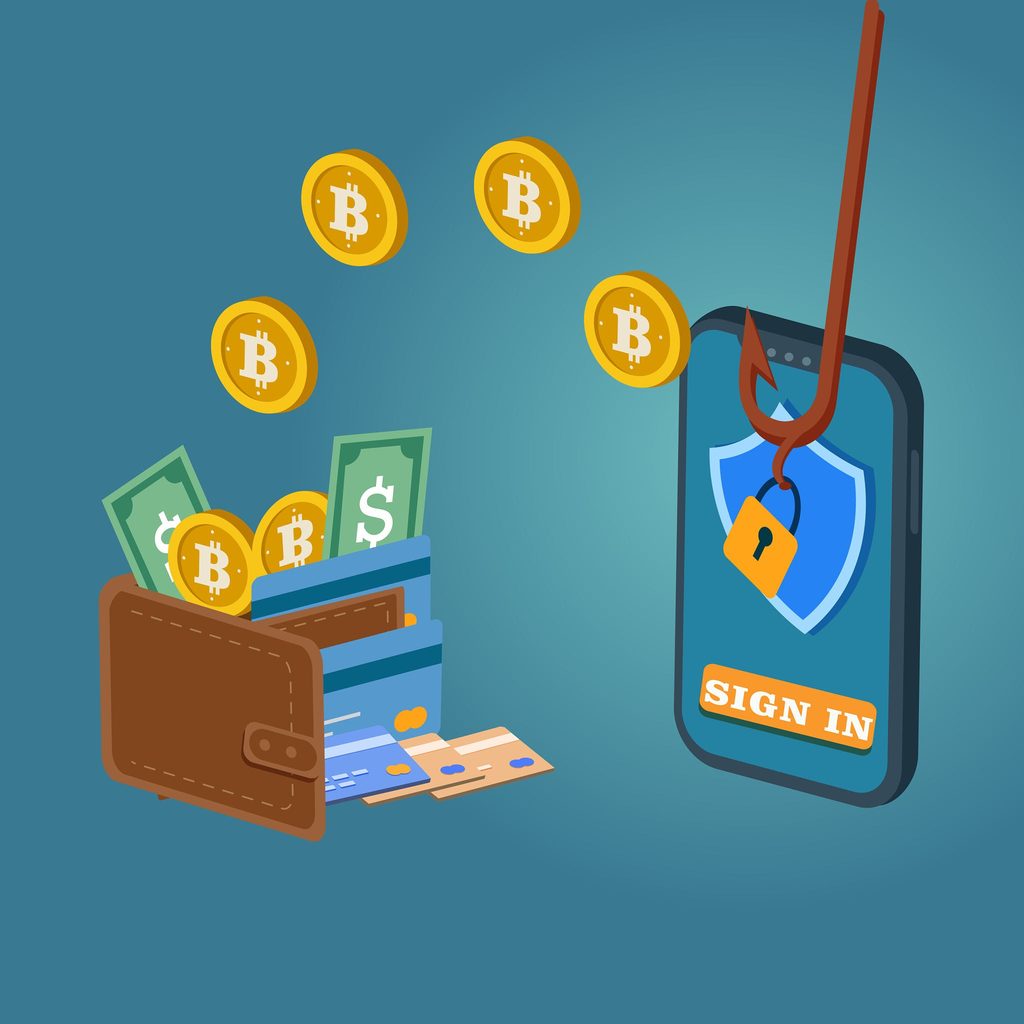
Ai phishing scams targeting digital assets. Source yudi cahyadi/ Getty images
Cybercriminals no longer rely on broken English, pixelated graphics, or suspicious links that any basic spam filter catches. Today, generative AI, real-time voice cloning, and automated phishing scripts create scams indistinguishable from genuine communications.
Whether you check your daily savings balance online or manage a decentralized digital asset portfolio, modern financial scams target human psychology rather than software firewalls. Here is how these emerging attacks work and what you can do to shield your wealth from modern digital threats.
How AI Has Supercharged Financial Fraud
Scammers used to spend hours researching targets manually. Today, automated tools harvest personal data across the web to launch convincing attacks in seconds.
1. Ultra-Realistic Voice Cloning (Vishing)
Using just 3 seconds of audio pulled from a public Instagram story, YouTube clip, or voicemail greeting, AI models replicate a human voice down to pitch, cadence, and breath patterns. Scammers pose as family members in distress, corporate finance officers, or customer service representatives demanding rapid identity verification.
2. Hyper-Targeted Spear Phishing
Language models analyze public social profiles, LinkedIn posts, and leaked databases to write emails that match the exact tone of your colleagues or banking institutions. These messages cite actual recent activities, project names, or transactions, making them bypass our usual skepticism.
3. Automated Malicious Smart Contracts
In Web3 and decentralized finance (DeFi), AI scanners comb public blockchains for wallet addresses with high balances. Fraudulent actors then deploy automated “drainer” contracts disguised as legitimate token airdrops, minting events, or protocol updates.
Securing Your Online Banking Against AI-Driven Threats
Traditional security models assumed that human vigilance could catch red flags like clumsy typos, robotic grammar, or awkward voice mannerisms. Generative AI tools have shattered that paradigm. Today’s threat actors execute interactive, highly coordinated operations that mimic your bank’s exact operational protocols. Defending your balance now requires proactive architectural safeguards rather than reliance on intuition.
1. The “Safe-Word” Defense Against Real-Time Voice Synthesis
Modern AI speech engines can ingest a 10-second voicemail recording and produce real-time, conversational speech that perfectly mimics a relative, accountant, or banking representative.
The AI Attack Scenario: You receive a high-priority call from someone who sounds identical to your branch manager. They state: “Mr. Davis, an unauthorized wire transfer for $4,500 to an offshore IP just triggered our fraud algorithm. I need to verify your identity to halt the transfer.” Simultaneously, the caller ID displays your local bank’s legitimate customer support number via carrier spoofing.
The Safeguard Strategy:
Establish a Verbal Duress/Safe Word: Agree on an unwritten, offline family and business passphrase that is never stored in password managers, notes apps, or text threads.
The Mandatory Callback Protocol: Never confirm details on an incoming call- even if the caller ID matches your bank’s official number. Hang up immediately. Open your physical debit card, dial the fraud department number printed on the plastic back, or connect via the secure in-app messaging terminal inside your authenticated banking portal.
2. Upgrading from SMS Codes to Hardware-Bound Authentication
SMS-based Two-Factor Authentication (2FA) is inherently insecure against modern social engineering and AI-automated intercept attacks.
The AI Attack Scenario: Scammers use automated voice bots to call you, claiming: “This is Chase Security. We detected an unauthorized login attempt from Miami, FL. To block this device, enter the 6-digit code we just sent to your mobile device.” If you punch in the numbers, an automated backend script instantly feeds that token into your real account portal to complete a password reset or authorize a new payee.
The Safeguard Strategy:
Switch to Time-Based One-Time Passwords (TOTP): Disconnect your mobile number from your 2FA settings wherever possible. Migrate to authenticator applications such as Google Authenticator, Aegis, or Ente Auth.
Implement FIDO2/WebAuthn Hardware Keys: Where supported, bind a physical security key (such as a YubiKey 5 Series) to your primary financial logins and connected recovery emails. Because hardware security keys require cryptographic proof of the website’s actual URL, they are immune to AI-generated reverse-proxy phishing sites (like Evilginx).
3. Account Segregation: The Firebreak Banking Architecture
Keeping all your liquidity in a single checking or savings account linked to a debit card creates a single point of catastrophic failure.
The Multi-Tier Account Structure:
Tier 1: Daily Transactional Account (Low Balance): Maintain only 1 to 2 weeks’ worth of living expenses here. This account holds your active debit card and handles daily point-of-sale swipes, ATM withdrawals, and minor online purchases.
Tier 2: Primary Vault/Reserve Account (Isolated): Store your emergency fund and surplus liquidity in a high-yield savings account at an entirely separate financial institution. Ensure this account has no debit card issued, no active checkbook, and zero peer-to-peer payment app linkages (such as Zelle, Venmo, or Cash App).
Tier 3: Bill-Pay Buffer: Dedicate an independent account solely for recurring ACH utility and mortgage debits, shielded from your daily spending card.
Most financial losses can be capped or thwarted entirely by tuning default administrative limits inside your online banking settings.
Lower Daily Outbound Thresholds: Most institutions default wire and ACH transfer limits to $10,000–$25,000 per day. Manually adjust these inside your security settings to minimal daily caps (e.g., $1,000 for transfers, $500 for ATM withdrawals). Require a 24-hour cooling-off period or in-branch verification to raise them.
Configure $0 Zero-Threshold Push Notifications: Standard bank alert profiles only notify users when a transaction exceeds $50 or $100. Attackers frequently test stolen credentials with microscopic “micro-charges” ($0.50 to $2.00) to confirm card validity before draining funds. Setting SMS and push notifications to trigger on any debit over $0.00 alerts you to the compromise instantly.
Disable International & Card-Not-Present Transactions: If you are not traveling or making international online purchases, toggle off foreign transaction permissions directly in your mobile banking app. Toggle them on only during the exact window of purchase.
Comparison: Standard Banking Habits vs. AI-Resistant Defense
Security Vector
Standard Practice (Vulnerable to AI)
Hardened Defense (AI-Resistant)
Identity Verification
Trusting caller ID and voice familiarity
Mandatory hang-up + callback to card back; offline safe-word
Authentication (2FA)
SMS-delivered 6-digit one-time codes
FIDO2 Hardware Key (YubiKey) or TOTP Authenticator app
Liquidity Management
High balance pooled in debit-linked checking
Segregated 3-tier architecture with an isolated cardless vault
Transaction Alerts
Default notices for charges over $100
Real-time push alerts for all charges $\ge \$0.01$
Outbound Limits
Default institutional wire limits ($10k+)
Manually restricted daily wire/ACH caps with waiting periods
Cold Storage vs. Hot Wallets: The Trade-Offs
Pros of Hardware (Cold) Wallets:
Private keys remain isolated from your computer, rendering remote keyloggers and screen-recording trojans useless.
Physical confirmation on the device screen ensures transaction details match your intent before signing.
Cons of Hardware Wallets:
Physical damage, loss, or incorrect seed phrase backup creates permanent asset loss risks.
Added friction when moving assets quickly during volatile market swings.
Here is my golden rule that has saved me more times than I care to admit: treat your hot wallet like cash in your pocket for everyday spending, and your cold wallet like a locked safe buried in the backyard.
Step-by-Step Guide: Setting Up a Bulletproof Defense
Implementing digital asset security is not an all-or-nothing switch; it is an ordered operational procedure. Follow these sequential steps to eliminate vulnerabilities across your decentralized setups and digital accounts.
Audit and Revoke Active Smart Contract Allowances: Estimated time: 10–15 min.
When you trade on decentralized exchanges or mint digital collectibles, you frequently approve smart contracts to spend an unlimited allowance of your tokens. If that protocol is compromised years later—or if an AI drainer tricks you into a fraudulent approval—the contract can pull assets from your wallet without requiring a secondary prompt.
Action Steps:
Visit an established approval checker such as Revoke.cash or the native Token Approval Checker on Etherscan, Polygonscan, or Solscan.
Connect your wallet using a read-only session.
Filter for approvals showing Unlimited or contracts you have not interacted with in the past 30 days.
Submit on-chain revocation transactions to reset allowances back to $0.00.
Verification: Refresh the approval checker dashboard; the audited contract addresses must display a confirmed balance allowance of zero.
2. Architect a 3-Tier Wallet Isolation Hierarchy:
Prerequisite for safe DeFi interaction.
Never use a single wallet address for everyday browsing, liquidity provision, and permanent reserve storage. Segmenting your assets ensures that a compromise on one tier cannot cascade to your net worth.
Tier 1 — The Burner Wallet (Disposable): A standalone software extension (e.g., MetaMask or Rabby) loaded with only $50–$100 in native tokens for gas fees. Use this exclusively for testing unknown decentralized apps, claiming promotions, or minting new projects.
Tier 2 — The Operational Wallet (Active Trading): A hot or warm wallet holding moderate liquidity used for high-frequency trades and established DeFi staking.
Tier 3 — The Cold Vault (Air-Gapped Cold Storage): A hardware device (Ledger, Trezor, Keystone, or BitBox02) that never connects directly to unvetted web applications. It receives assets purely via simple inbound transfers.
Verification: Check your browser extension’s active connections list. Your primary vault address must show zero connected external websites.
3. Deploy Pre-Execution Transaction Simulators
Crucial for blocking EIP-712 & drainer exploits.
AI-generated phishing sites often deploy deceptive signatures (such as EIP-712 off-chain message permits or setApprovalForAll functions). To a human, the hex payload looks like a standard site login, but executing it empties your wallet. Transaction simulation layers decode the machine data before you sign.
Action Steps:
Install dedicated browser security companions such as Pocket Universe or Wallet Guard, or use advanced EVM wallets with native simulation engines like Rabby Wallet.
When a signing window opens, inspect the simulator’s pop-up window:
Green flag: Clearly indicates “Zero assets leaving your wallet” or names the precise token amount you intended to swap.
Red flag: Displays “Warning: Contract will have permission to transfer all USDC/ETH” or flags that the domain was registered within the past 48 hours.
Verification: Trigger a dry test on an established decentralized exchange (like Uniswap); your simulator pop-up must intercept and display the net balance change before your primary wallet requests your confirmation.
4. Secure Recovery Phrases in Offline Metal Mediums
Permanent physical backup.
Storing your 12-to-24-word seed phrase digitally makes it vulnerable to AI file-scraping malware and cloud account breaches. Paper backups also fail over time due to moisture, ink degradation, and fire.
Action Steps:
Write the seed phrase down on paper during device initialization in an isolated, private room without internet-connected webcams or smartphone cameras pointed at your workspace.
Transfer the words onto a stainless steel or titanium backup plate (such as Cryptosteel, Billfodl, or Keystone Tablet) using center-punch stamping or steel letter tiles.
Place the metal plate inside a fire-resistant safe or bank safety deposit box.
Immediately burn or shred the original paper template.
Verification: Perform a factory reset drill on a secondary compatible hardware wallet or run the device’s built-in “Check Recovery Phrase” utility to verify the stamped metal backup restores the exact public addresses without errors.
Spotting the Red Flags of an AI Scam
Traditional scammers relied on generic mass emails and easily spotted grammatical blunders. Modern AI-assisted threat actors do not make spelling mistakes. Instead, they use natural language models to write persuasive, context-aware copy and real-time audio/video synthesis engines to impersonate trusted entities.
Because appearance and tone are no longer reliable indicators of legitimacy, you must shift your focus toward behavioral patterns, delivery mechanics, and subtle synthetic anomalies.
1. Behavioral & Psychological Red Flags
Every financial scam—regardless of the tech stack driving it—relies on emotional manipulation to bypass your critical thinking.
Manufactured Time Compression: AI voice bots and spear-phishing messages constantly frame requests within tight, artificial windows. Examples include: “You must verify within 3 minutes to avoid account freezing,” or “Claim this tier-1 allocation within 60 seconds before gas spikes.” Real banks and authentic blockchain protocols never set 180-second countdowns for routine security verifications.
Channel-Switching Coercion: Attackers initiate contact on an open channel (an email, LinkedIn message, or public forum post) and quickly demand to move to an unmonitored private direct message on Telegram, WhatsApp, or Signal. This circumvents corporate or platform-level threat detection filters.
Demands for Strict Secrecy:
Whether impersonating an executive or a family member, synthetic callers often insist on silence: “Do not discuss this with the local branch staff—they are currently under internal compliance audit,” or “Don’t tell mom yet; just send the bail money.” Legitimate financial institutions never instruct customers to withhold details from in-branch personnel.
Aggressive Resistance to Out-of-Band Callbacks:
If you state, “I’m going to hang up and call you back via the official support line,” an AI scammer or the live operator managing the voice conversion model will push back aggressively. They might claim that disconnecting will cause immediate fund forfeiture, police intervention, or permanent wallet blacklisting.
2. Audio Deepfake & Voice Cloning Artifacts
Real-time voice cloning models map the vocal biomarkers of a target, but live conversational generation still exposes small technical seams.
Latency and Conversational Hesitation: Real-time neural voice conversion pipelines take anywhere from 400 to 1,200 milliseconds to ingest incoming audio, compute a response, and render the cloned voice back through the line. Listen for unnatural, repetitive pauses before the speaker answers simple, contextual questions.
Cadence Uniformity and Emotional Detachment: While the tone, pitch, and accent may mimic your relative or financial advisor, the cadence often stays strangely flat. Natural speech fluctuates dramatically with emotion; an AI-cloned voice relaying a “catastrophic emergency” frequently lacks authentic micro-tremors, breathless shifts, or natural sighing.
Acoustic Cloaking (Synthetic Background Noise): Scammers frequently insert looping tracks of muffled call-center chatter, airport announcements, or static white noise over the call. This is often intentional: background noise masks digital clipping artifacts, robotic pitch glitches, and phoneme dropouts generated by the speech model.
Repetition Loops Under Pressure: When confronted with off-script questions (such as asking for a mutual childhood pet’s name or a shared private memory), an AI-driven agent or scripted operator will deflect with generic statements like: “We don’t have time for this, please just listen to the instructions.”
3. Deepfake Video & Identity Injection Anomalies
In high-value fraud cases, attackers schedule video calls using real-time video injection software to impersonate CEOs, compliance officers, or Web3 founders.
Phoneme De-synchronization: Watch the mouth closely during explosive consonants (P, B, M). AI generative video often matches jaw drops to volume, but struggles with the precise lip contact required for bilabial sounds, resulting in a subtle ventriloquist effect.
Temporal Border Shimmering: Look at the perimeter of the face, the collar line, and around the ears. When the speaker rotates their head quickly, real-time facial swap masks often jitter, blur, or fail to render the ears and hair edges cleanly against the background.
The “Side-Profile Test”: If you suspect an active video call is a synthetic feed, ask the caller to slowly turn their head completely to the side or wave their hand in front of their face. Most real-time consumer deepfake frameworks struggle with extreme profile angles and occlusions, causing the visual mask to warp or glitch out entirely.
4. Technical Indicators in Web3 & Digital Banking
AI enables attackers to generate deceptive web pages, software repositories, and domain variants at scale.
Punycode & Typosquatting Domain Masking: AI scraping tools instantly purchase domains that resemble legitimate services using subtle internationalized domain name (IDN) homoglyphs (e.g., swapping a standard Latin e with a Cyrillic е). Look closely at the browser address bar for strings starting with xn--.
Zero-History Support Handles: On Discord, Telegram, or X, fake customer support accounts use automated scripts to detect when users type keywords like “wallet issue,”“transaction pending,” or “support.” Within seconds, an AI bot reaches out via DM. Check the creation date: scam bots are usually created within the last 7 to 30 days and have zero authentic post interactions.
Requests to “Sync” or “Rectify” Wallets: Any platform or support representative claiming your account needs to be “re-indexed,”“synchronized with the mainnet,” or “rectified” is leading you to an automated credential-harvesting interface. These technical-sounding terms are entirely fabricated to coax you into pasting a recovery phrase or signing an unvetted transaction.
Frequently Asked Questions (FAQs)
Can anti-virus software protect my crypto wallet from drainers?
Antivirus software stops known malware, Trojans, and keyloggers on your device. However, it cannot protect you if you voluntarily approve a malicious smart contract transaction through your browser. You need specialized transaction-simulation tools and strict wallet separation to defend against drainers.
What should I do if I suspect an incoming phone call is an AI voice clone?
Hang up immediately. Do not engage, verify personal details, or call back using the number displayed on caller ID, as numbers can be spoofed. Look up the official contact details directly on your bank’s website or statement, dial them from a different line, and ask to verify the previous caller’s claims.
Is facial recognition on mobile banking apps safe from deepfakes?
Most modern banking apps use active liveness detection (requiring you to blink, smile, or turn your head) combined with infrared hardware sensors, making static photos and basic 2D deepfakes ineffective. However, keeping your phone’s operating system updated is crucial, as hardware-level biometric checks receive frequent security patches to counter emerging video injection techniques.
Financial security in the era of artificial intelligence requires treating identity verification as an active process rather than an afterthought. By replacing vulnerable passwords with hardware-backed security, segregating your funds, and pausing whenever an alert demands immediate action, you make yourself an unprofitable target for modern automated threats.
One thought on “Cybersecurity Tips: How to Protect Your Online Banking and Crypto Wallets from AI Scams”


 1
1




One thought on “Cybersecurity Tips: How to Protect Your Online Banking and Crypto Wallets from AI Scams”