

 11
11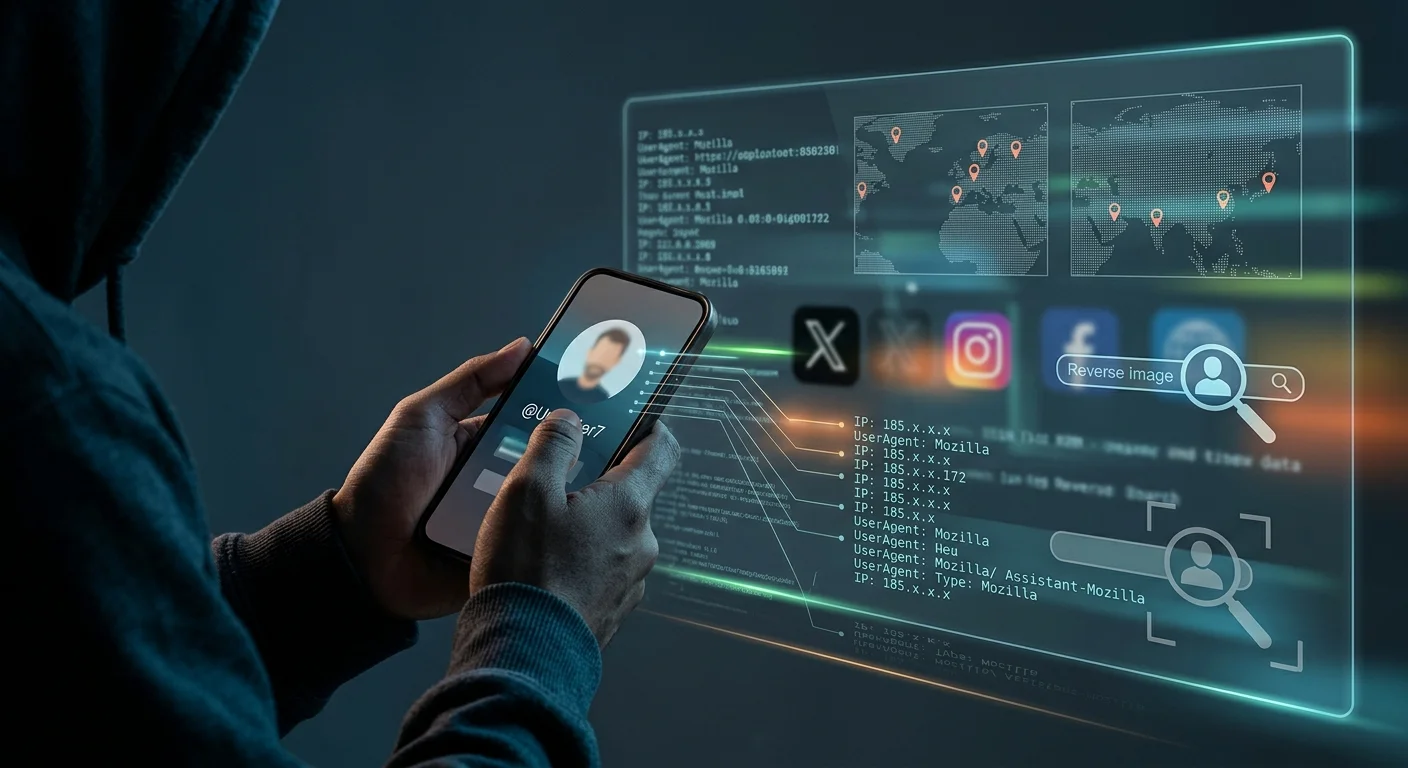
A notification pops up late at night: a follow request from an account with no profile picture, or worse, a profile using the photos of an old acquaintance you haven’t spoken to in years. Then come the messages. Maybe they are oddly personal, vaguely threatening, or suspiciously flirtatious. A cold spike of adrenaline hits your chest.
Someone is watching, impersonating, or harassing you from behind a digital mask.
Fake social media profiles are no longer just teenage pranks or bot nets trying to sell cryptocurrency. Today, they are weaponized for targeted harassment, relationship sabotage, corporate espionage, romance scams, and relentless cyberstalking. The screen gives bad actors an illusion of complete untouchability.
A couple of years ago, a close friend woke up to an anonymous Instagram page using her photos, posting fabricated stories, and messaging her coworkers. The sheer panic in her voice was heartbreaking. The worst feeling wasn’t even the lies. It was not knowing who was sitting behind the screen doing it. We ended up catching the person three days later through a sloppy digital footprint they forgot to wipe. The truth is, people who hide behind fake profiles aren’t master hackers. They’re just everyday people who leave behind far more clues than they realize
The good news? True digital anonymity is extraordinarily difficult to pull off. Every time someone interacts with the internet, they leave behind microscopic crumbs of data. If you know where to look, how to analyze patterns, and which open-source intelligence (OSINT) tools to employ, that digital mask begins to slip fast.
Here is a comprehensive, forensic breakdown of how security professionals trace fake social media profile and how you can apply those exact techniques yourself.
Before touching external software, the fake profile itself holds vital clues. Bad actors usually cut corners, and these small lapses are their biggest vulnerability.
"phantom_user99") to see if the handle was recycled from an older, real identity.Most fake accounts do not use their own faces; they scrape photos from unsuspecting people, stock photo libraries, or AI face generators.
Do not just run a basic Google Image search—it often misses cropped or filtered photos. Use dedicated visual engines:
Many modern fake profiles use generative AI faces to avoid reverse image search matches entirely. However, synthetic human faces still have telltale glitches:
One of the most effective, built-in security features you can use to trace a profile is the platform’s own password recovery system.
When you forget your password, the platform tries to help you verify your identity by sending a recovery code to your linked email or phone number. While it partially masks the details for privacy, the hints provided are often enough to confirm a suspect you already have in mind.
+1 (•••) •••-••84).j••••••••e@g•••••.com).(Note: Stop here. Do not attempt to complete the password reset or break into the account, as doing so violates cyber laws. Use the masked information strictly as passive intelligence.)
Here is an unvarnished reality check: 90% of the time, the person behind that fake profile isn’t a mysterious stranger from across the globe. It’s an ex, an insecure coworker, a jealous friend, or someone in your immediate orbit. The moment you treat the investigation like a puzzle instead of a panic attack, the power shifts back to you. Real cyber investigation isn’t about Hollywood-style hacking; it’s just paying attention to tiny, careless mistakes.
How to Block Spam Calls and Messages on Android & iPhone (Permanent Solutions)
Cyber investigators rely on Open Source Intelligence (OSINT) to tie usernames to broader digital activity. People are creatures of habit; they reuse the same handles across gaming forums, music apps, discussion boards, and shopping sites.
| OSINT Tool | Core Function | Investigative Value |
| WhatsMyName.app | Scans hundreds of platforms for a specific username | Reveals obscure accounts (Reddit, GitHub, Spotify, Pinterest) registered under that handle. |
| Namechk / CheckUsernames | Real-time username availability checker | Maps out which platforms the username has already been claimed on. |
| Hunter.io | Corporate email pattern finder | Uncovers the corporate email structure if the fake account ties back to a company domain. |
| Wayback Machine (Archive.org) | Historical internet archive | Recovers deleted posts, old bios, or earlier profile names before the stalker scrubbed them. |
If you discover the suspect’s handle on Spotify, check their public playlists. People rarely think to lock down music streaming profiles, and their real name, profile photo, or collaborative playlists with family members are often sitting out in plain sight.
Can you find the exact IP address of a fake social media account?
Directly through the platform? No. Meta, X, and TikTok do not display IP addresses publicly. That data is stored securely in backend server logs.
However, investigators sometimes use secure, consent-based or external bait links to log the network information of someone targeting them.
If the fake account is engaging in criminal behavior—doxxing, extortion, threats, or severe stalking—you should move your investigation from personal curiosity to formal legal reporting.
Platforms will ignore individual users asking for an IP address, but they must respond to official court orders and subpoenas.
Once an official case is opened, investigators can issue a subpoena to the platform, forcing them to hand over account registration logs, device IMEI numbers, and the original IP addresses used to create and access the profile.
The internet gives stalkers a microphone and a mask, but it never makes them truly invisible. By methodically checking username footprints, running forensic reverse image lookups, and watching for password-recovery slip-ups, the veil of anonymity quickly falls apart. Keep your cool, document every trace, and turn the investigative lens back on the person hiding in the dark.
Before you run a single tool, remember the golden rule: never let them know you’re onto them. The second you message a fake profile saying ‘I know who you are,’ they panic, delete the account, and you lose every single piece of evidence. Act completely oblivious, leave the messages unread or casually dry, and take your screenshots in silence. Your quiet observation is your sharpest weapon.




One thought on “How to Trace a Fake Social Media Account: A Step-by-Step Security Guide”