

 11
11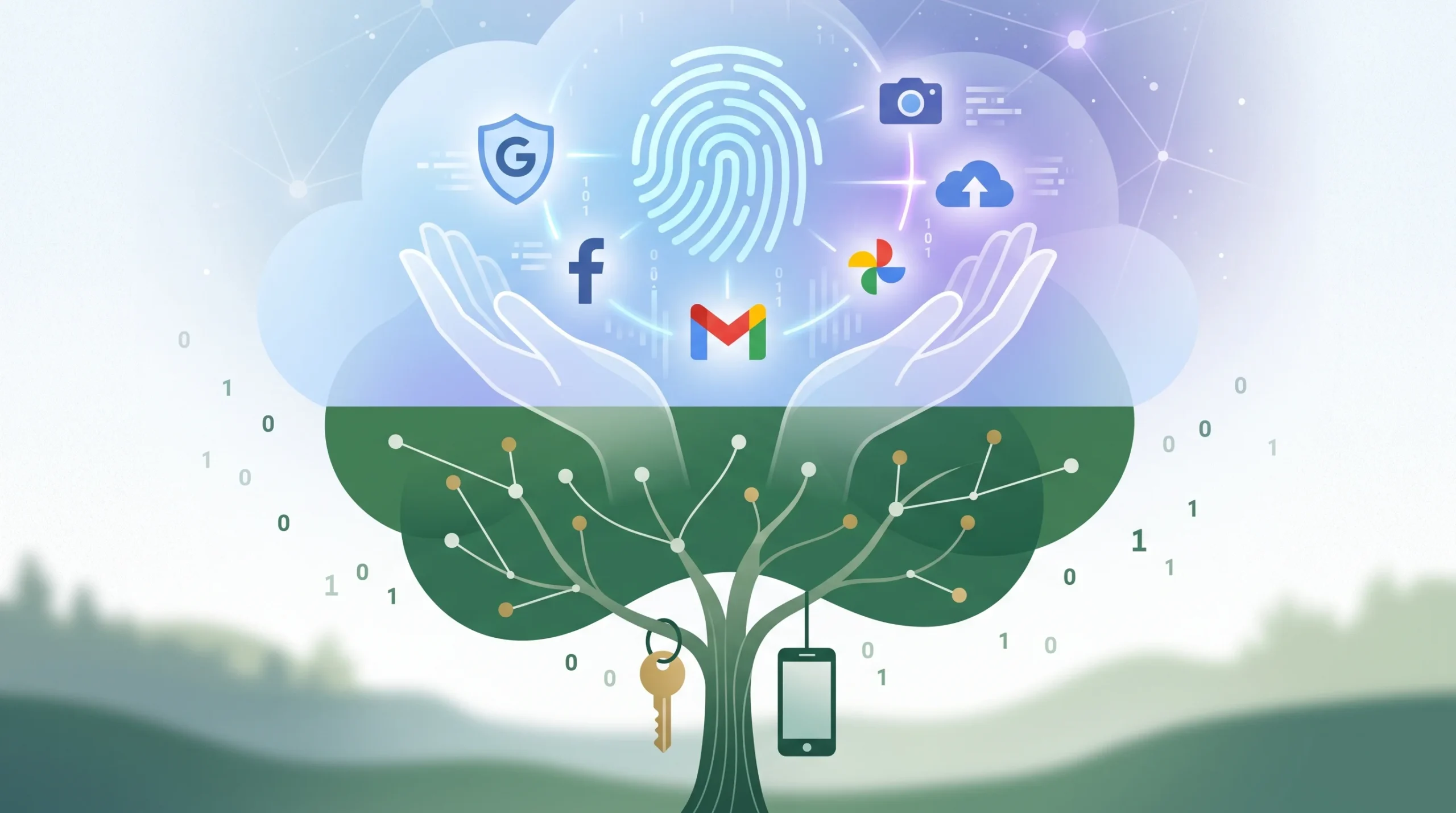
A few months ago, a friend of mine passed away unexpectedly. A couple of weeks later, Facebook sent everyone a notification reminding us it was his birthday. Seeing people post “Happy birthday, bro! Party hard!” on the wall of someone who wasn’t here anymore felt gut-wrenching.
That was the exact moment I realized how careless we are with our online lives. We spend hours backing up our phones, but not even five minutes deciding who gets our photos or cloud drives when we’re gone.
Here’s a quick tip I learned the hard way: don not leave sticky notes with your passwords in a drawer. You change your passwords every few months anyway, and half the time two-factor authentication will block your family even if they have the code. Instead, open your phone right now, search for “Legacy Contact” in your settings (both Apple and Google have built-in options for this), and add one person you genuinely trust—like a sibling or your partner. It takes literally three minutes, and it saves your family from dealing with court orders, legal notices, and awkward automated birthday reminders when they’re already grieving.
We spend our lives building a second self. Every search query, late-night text, shared photo, and cloud backup forms an intricate digital shadow of who we are. Yet while people write physical wills to divide property, cars, or family heirlooms, hardly anyone considers the fate of their digital estate.

When someone passes away, their physical belongings freeze in place until legal paperwork clears. Digital accounts, however, live on servers scattered across the globe. Without instructions, algorithms keep running: automated birthday reminders fire off, subscription services charge expired cards, and old profiles linger like ghost ships in cyberspace.
Understanding what major tech platforms do with our data—and how features like Google’s Inactive Account Manager or Meta’s Legacy Contact work—is no longer an obscure privacy curiosity. It is essential digital hygiene.
A common misconception is that immediate family members can simply contact Google or Apple with a death certificate and gain full access to private inboxes and photo libraries. In reality, privacy laws and Terms of Service agreements create a rigid barrier.
Federal privacy statutes (like the US Stored Communications Act) prevent tech companies from disclosing the contents of electronic communications to third parties without explicit authorization or a strict court order. Even if a grieving spouse proves their relation, customer support teams are legally prohibited from handing over a password.
If no prior arrangements were made, accounts usually fall into one of two categories:
How to Stay Safe on Public Wi-Fi: 5 Critical Rules to Protect Your Phone from Hackers
Google holds the keys to the most sensitive parts of our daily lives: emails, search histories, location timelines, photos, and Google Drive documents. Because of this, Google developed one of the most comprehensive proactive tools available: the Inactive Account Manager.
Think of the Inactive Account Manager as a digital dead man’s switch. You configure it while alive, and it monitors your activity signals across services—such as signing in, reading emails in Gmail, using Android devices, or searching on Google.
If an account holder dies without configuring this tool, family members must submit a formal request accompanied by legal documentation (such as a death certificate and proof of power of attorney or estate administration). Google will evaluate the case, but they only provide data in rare, legally justified scenarios; they will never supply login credentials.
Facebook handles deceased profiles differently, focusing on public grief and community memory. Meta provides two primary options: Memorialization or Permanent Deletion.
When an account is memorialized:
Facebook users can appoint a Legacy Contact in their account settings. A Legacy Contact is a designated friend or family member authorized to manage the profile after it has been memorialized.
A Legacy Contact can:
A Legacy Contact cannot:
If a user prefers not to leave an online monument, they can configure their settings so that Facebook permanently purges their account as soon as someone notifies Meta of their death.
Each tech ecosystem approaches the post-mortem problem through its own legal and operational framework:
| Platform | Core Feature | What Happens If Unconfigured? |
| Apple | Legacy Contact (generates an access key stored in iCloud/paper) | Data is locked behind end-to-end encryption. Family must present a court order naming them as legal inheritors, and even then, activation lock removal is often the only outcome. |
| Microsoft | No automated switch; strictly handles requests via legal next-of-kin processes | Outlook, OneDrive, and Xbox accounts close automatically after two continuous years of inactivity. |
| X (Twitter) | No legacy tools | Deceased accounts are deactivated upon request from verified family members or estate representatives. Passwords and DMs are never released. |
| Password Managers | Emergency Access (Bitwarden, 1Password) | A trusted contact requests access; if you don’t deny the request within a set waiting period (e.g., 7 days), your master vault unlocks for them. |
Sorting out digital affairs does not require expensive lawyers. It takes about twenty minutes of administrative preparation:
Digital footprints outlive physical lives. Taking proactive control of your accounts ensures that your personal privacy is respected, administrative hurdles are minimized for your loved ones, and your online presence fades or endures on your own terms.




One thought on “What Happens to Your Digital Accounts (Google, Facebook) After You Die?”