
 11
11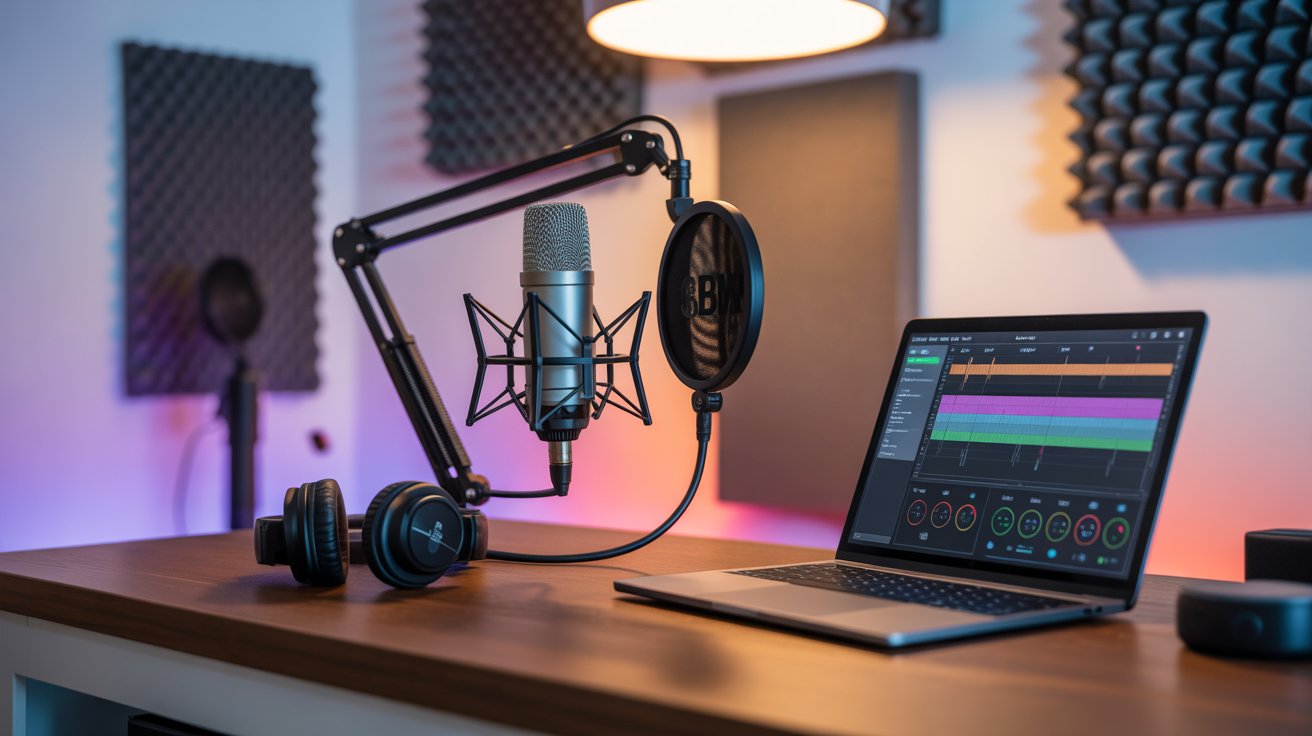
Starting a podcast in 2026 is easier than ever. However, choosing the right equipment can feel overwhelming when hundreds of microphones, headphones, and recording tools are available. The good news is that you do not need a professional studio or thousands of dollars to launch a successful podcast.
In fact, many of today’s top podcasters started with basic equipment and upgraded as their audience grew.
So, if you are planning to start a podcast this year, this complete beginner’s guide will help you choose the best podcast equipment without wasting money.
A great podcast is not only about content. Audio quality plays a major role in keeping listeners engaged.
Think about it. Even if your content is amazing, listeners may stop listening if your audio sounds noisy or unclear.
Therefore, investing in the right equipment from the beginning can:
Now, let’s explore the essential podcast equipment every beginner needs.
Your microphone is the most important piece of equipment.
Fortunately, several beginner-friendly microphones offer excellent sound quality at affordable prices.
If you are just starting, a USB microphone is usually the smartest choice because it connects directly to your computer.
As a result, you’ll spend less time fixing audio problems and more time creating content.
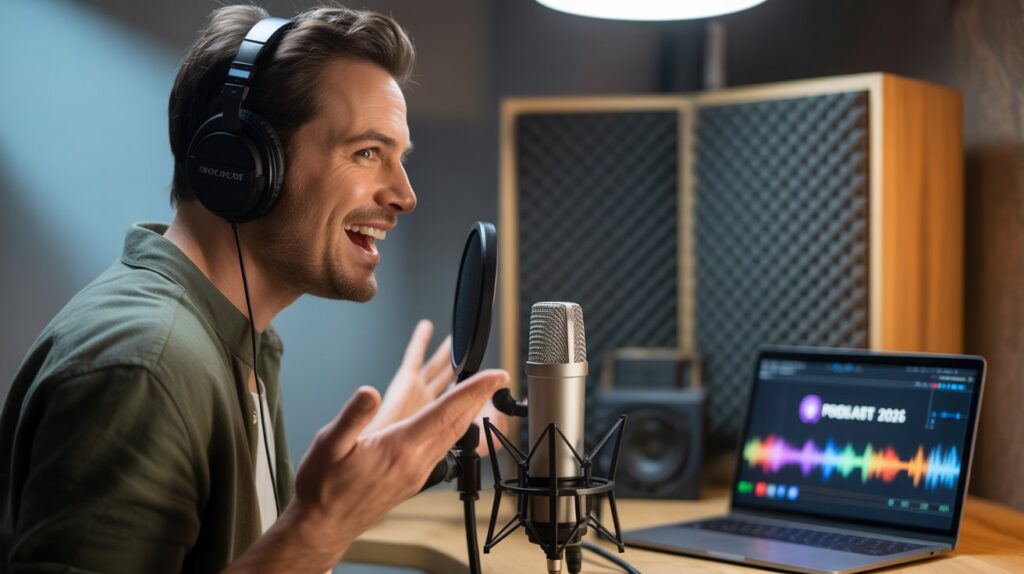
Many beginners skip headphones. However, that is a mistake.
Headphones help you monitor audio quality while recording and editing.
Good headphones allow you to hear unwanted noise before your audience does.
Consequently, your final episodes will sound cleaner and more professional.
After purchasing a microphone, you need software to record and edit your episodes.
Fortunately, there are many excellent options available.
For most beginners, Audacity remains one of the best free podcast editing tools in 2026.
Many new podcasters underestimate these accessories.
A pop filter reduces harsh sounds like:
Meanwhile, a boom arm keeps your microphone stable and positioned correctly.
Because these accessories are affordable, they offer excellent value for beginners.
If you use an XLR microphone, you will need an audio interface.
Popular choices include:
However, most beginners can start with a USB microphone and upgrade later.
Therefore, do not feel pressured to buy an audio interface immediately.
Believe it or not, your room can affect sound quality more than expensive equipment.
For example:
Even a simple bedroom can become an effective podcast studio with proper setup.
As a result, your recordings will sound far more professional.
If you want a simple and affordable setup, consider:
This approach allows you to scale your podcast as your audience grows.
Many new podcasters waste money on unnecessary gear.
Avoid these common mistakes:
❌ Buying expensive equipment immediately
❌ Ignoring room acoustics
❌ Using laptop microphones
❌ Recording without headphones
❌ Focusing on gear instead of content
Remember, great content will always outperform expensive equipment.
A common question is how much money beginners should invest.
The answer depends on your goals.
For most new podcasters:
Therefore, start small and upgrade only when necessary.
Before buying equipment, read our guide on “How to Start a Successful Podcast and Make Money in 2026“ to learn how successful podcasters build audiences and generate income from day one.
Podcasting continues to grow rapidly in 2026, creating incredible opportunities for creators worldwide. Fortunately, you do not need a professional studio to get started.
Instead, focus on purchasing a reliable microphone, quality headphones, recording software, and a few basic accessories.
Most importantly, create valuable content consistently.
Because at the end of the day, listeners return for engaging conversations, helpful information, and entertaining stories—not because you own the most expensive equipment.
If you start today with the right equipment and a clear plan, your podcast could become the next success story people are talking about tomorrow.