To be completely honest, for a long time I convinced myself that freelancing just wasn’t for me. Every time you open YouTube, there’s someone sitting in front of a sleek desk setup with an expensive MacBook and a fancy mic, making it feel like you need a thousand dollars saved up just to start.
But when money got tight and I had no other choice, reality hit me: clients don’t care about what brand your laptop is or how cinematic your camera looks. They only care if you can solve a headache for them today. I started on a battered, noisy old laptop that lagged if I opened more than three browser tabs at once.
We easily waste two or three hours every evening doomscrolling through random videos without thinking twice. Yet, that very same screen and the exact same internet connection can quietly change your life if you just dedicate those wasted hours to learning one practical skill from start to finish.
The reality of the gig economy is simple: speed, reliability, and practical problem-solving beat expensive tools every single time. If you have an entry-level laptop, an internet connection, and the discipline to practice, here are 5 high-demand skills you can learn on YouTube without spending a dime.
1. Canva Graphic Design & Visual Branding
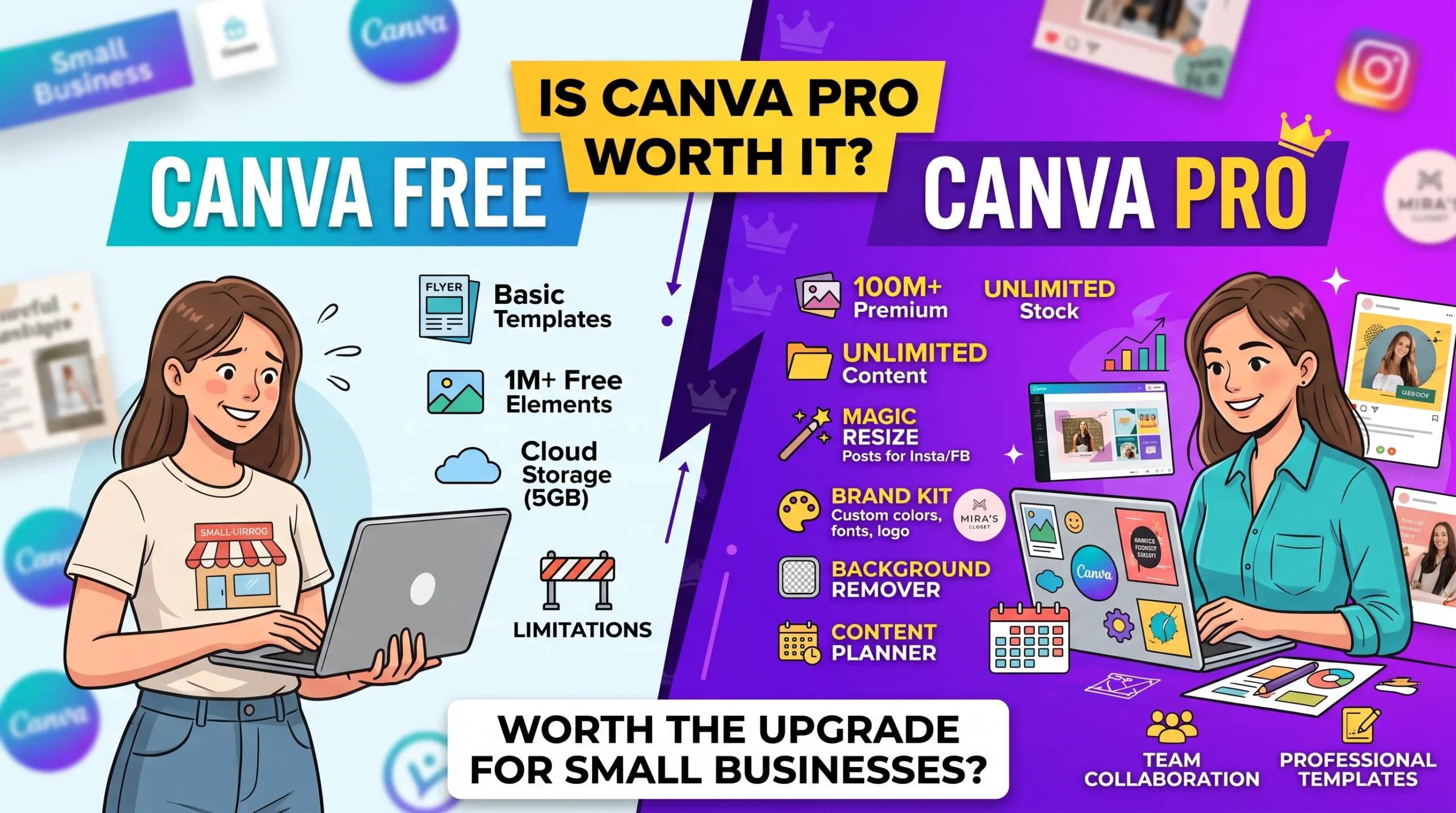
Many aspiring freelancers avoid graphic design because they believe they must master complex, resource-heavy software like Adobe Photoshop or Illustrator. Canva has completely disrupted that paradigm. It operates directly inside your web browser and requires minimal computing power.
Financial Investment: Zero. Canva’s free tier provides all the layout tools, typography options, and design elements needed to produce commercial-grade assets.
YouTube Learning Path: Search terms like “Canva full course for beginners” and “How to design social media kits in Canva”. Focus on mastering grid alignment, color theory, visual hierarchy, and brand typography over 10 to 14 days.
Market Scope & Real-World Application: Small businesses, real estate agents, authors, and digital creators lack the time to produce daily visual content. A single YouTube thumbnail or batch of Instagram promotional carousels typically bills between $5 and $20. Securing two or three content creators on monthly retainers can generate reliable recurring income without complex technical overhead.
Future Growth: Canva teaches you visual fundamentals: contrast, spacing, and brand consistency. Once mastered, these core principles easily transition into high-ticket specializations such as UI/UX design, corporate branding strategy, or full-scale creative direction.
2. Short-Form Video Editing (CapCut Desktop & Basic Assembly)
The surge of TikTok, Instagram Reels, and YouTube Shorts has created an unprecedented deficit of short-form video editors. Content creators, podcasters, and corporate leaders frequently record long-form media (such as one-hour interviews or keynote speeches) but lack the bandwidth to extract, format, and polish the high-engagement clips necessary to stay relevant online.
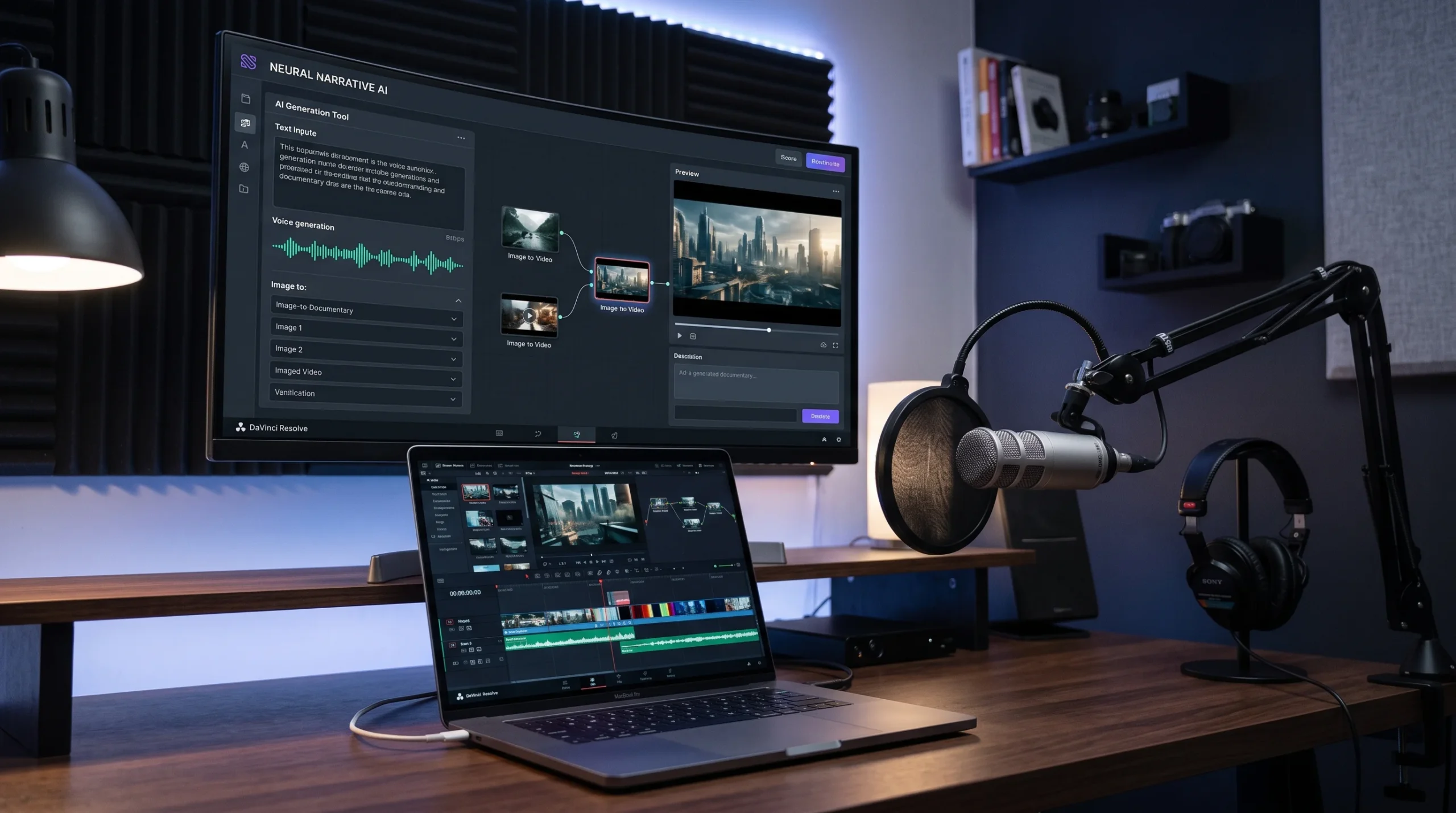
Financial Investment: Zero. CapCut Desktop and DaVinci Resolve both offer robust free versions that operate smoothly on average modern computers.
YouTube Learning Path: Search “CapCut Desktop complete editing guide” and “Editing viral short-form reels step-by-step”. Key areas to study include pacing cuts, keyframe zooms, kinetic captions (dynamic auto-subtitles), and background sound design.
Market Scope & Real-World Application: Freelancers commonly package edited clips into bundles. Repurposing one long video into 10 to 15 short-form clips with captions and graphics averages $15 to $35 per clip. A single monthly client needing regular output can yield $300 to $600 in steady billings.
Future Growth: Short-form editing instills a sharp sense of viewer retention and narrative hooks. This technical foundation unlocks pathways to commercial video editing, brand storytelling, and video ad performance marketing.
3. SEO-Driven Content Writing & Copywriting
While automated AI tools have saturated the market with generic text, companies now value writers who understand organic search intent, brand voice, and human-first storytelling more than ever. Businesses need content that ranks on search engines while simultaneously converting readers into paying customers.
Financial Investment: Zero. Google Docs, free keyword analysis tools (like Google Keyword Planner or Ubersuggest), and regular reading practice are all that you require.
YouTube Learning Path: Search “On-page SEO writing for beginners”, “Copywriting formulas that sell”, and “How to structure long-form blog posts”. Channels by seasoned digital marketers provide direct, case-study-driven instructions on formatting headers, optimizing search metadata, and retaining reader interest.
Market Scope & Real-World Application: Local contractors, dental practices, real estate firms, and B2B SaaS companies constantly need search-optimized articles and service-page copy. A beginner with solid research and structuring skills can command $25 to $60 for a well-researched 1,000-word article.
Future Growth: Writing is an essential business multiplier. Honing clear copy opens up high-leverage careers in email marketing, high-converting sales funnel copy, scriptwriting, and performance marketing.
If you lean toward organization, organization systems, and structured communication rather than visual or written design, becoming a Virtual Assistant (VA) is a straightforward, low-barrier entry point into freelancing.
Financial Investment: Zero. Daily operations leverage ubiquitous, free platforms: Google Workspace (Sheets, Docs, Drive, Calendar), basic project boards like Trello, and standard communication tools like Slack or Zoom.
YouTube Learning Path: Search “Virtual Assistant training full guide”, “Advanced Google Sheets for task automation”, and “Inbox and calendar management strategies”. Focus on client scheduling systems, email filtering protocols, and basic CRM entry.
Market Scope & Real-World Application: Solopreneurs, e-commerce store managers, and executives spend hours bogged down in administrative tasks. Entry-level VAs typically bill between $6 and $15 per hour. Managing a client’s inbox, customer support inquiries, and scheduling for 20 hours a week provides a predictable, steady income.
Future Growth: Working inside an active business reveals how operations run from the ground up. Over time, reliable VAs transition into high-demand roles such as Online Business Managers (OBMs), Agile Project Managers, or Chief of Staff positions.
5. No-Code Website Development (WordPress & Elementor)
Building functional websites previously required extensive knowledge of HTML, CSS, JavaScript, and backend server setups. Today, visual site builders and open-source frameworks allow non-programmers to construct responsive, modern websites using intuitive drag-and-drop interfaces.
Financial Investment: Zero. You can install local development environments like LocalWP or XAMPP on your personal computer to build full WordPress websites completely offline without paying for domains or web hosting.
YouTube Learning Path: Search “WordPress tutorial for beginners step-by-step” and “Elementor landing page design full tutorial”. Concentrate on mobile responsiveness, navigation structures, lead-generation forms, and essential plugins.
Market Scope & Real-World Application: Every local business—from neighborhood bakeries to consulting agencies—requires a polished digital storefront. Assembling a responsive 4-to-5-page business landing site typically commands between $150 and $500 for entry-level developers.
Future Growth: Learning no-code frameworks equips you with an understanding of UX layout, conversion optimization, and technical performance. This makes progressing into custom Webflow development, Shopify agency operations, or Conversion Rate Optimization (CRO) consulting very manageable.
YouTube holds endless hours of training, which can lead beginners into an endless cycle of passive viewing without actual skill development. To transition successfully into paying work, follow three simple rules:
Commit to One Track: Select one skill and focus exclusively on it for at least 30 days before exploring other disciplines.
Build as You Watch: Never watch a tutorial like a television show. Pause the video, open the tool, replicate the exercise, and save your progress to a project folder.
Publish a Proof-of-Work Portfolio: Once you have created three to five polished samples, upload them to a free Google Drive or simple portfolio site. Use these tangible assets directly when pitching clients on Upwork, Fiverr, or via cold outreach on LinkedIn.
These skills remove financial risk entirely, letting your work ethic and execution determine your freelancing trajectory.
One thought on “5 High-Income Freelance Skills You Can Learn for Free on YouTube (No Expensive Setup Needed)”

 1
1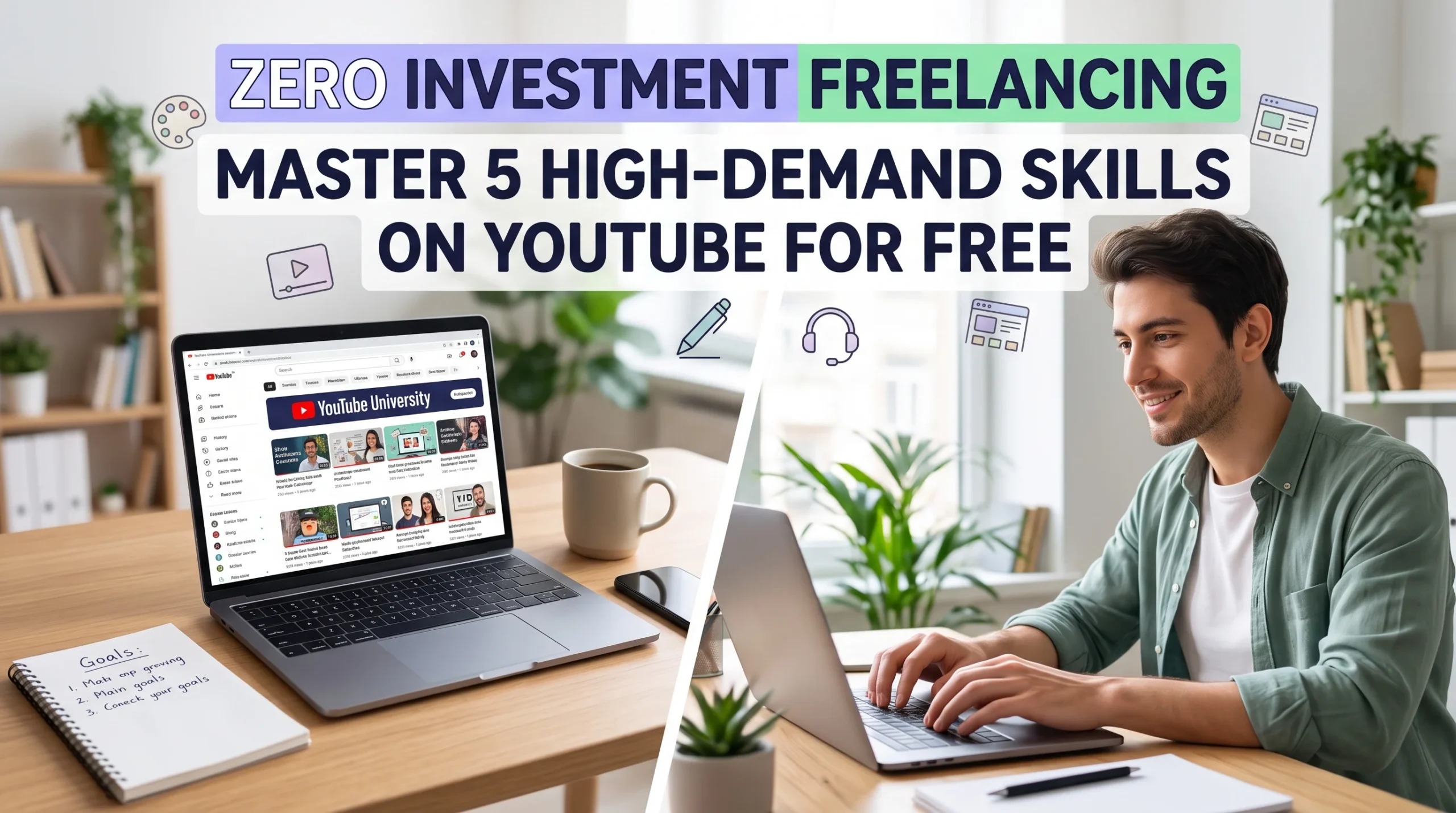




One thought on “5 High-Income Freelance Skills You Can Learn for Free on YouTube (No Expensive Setup Needed)”