

 11
11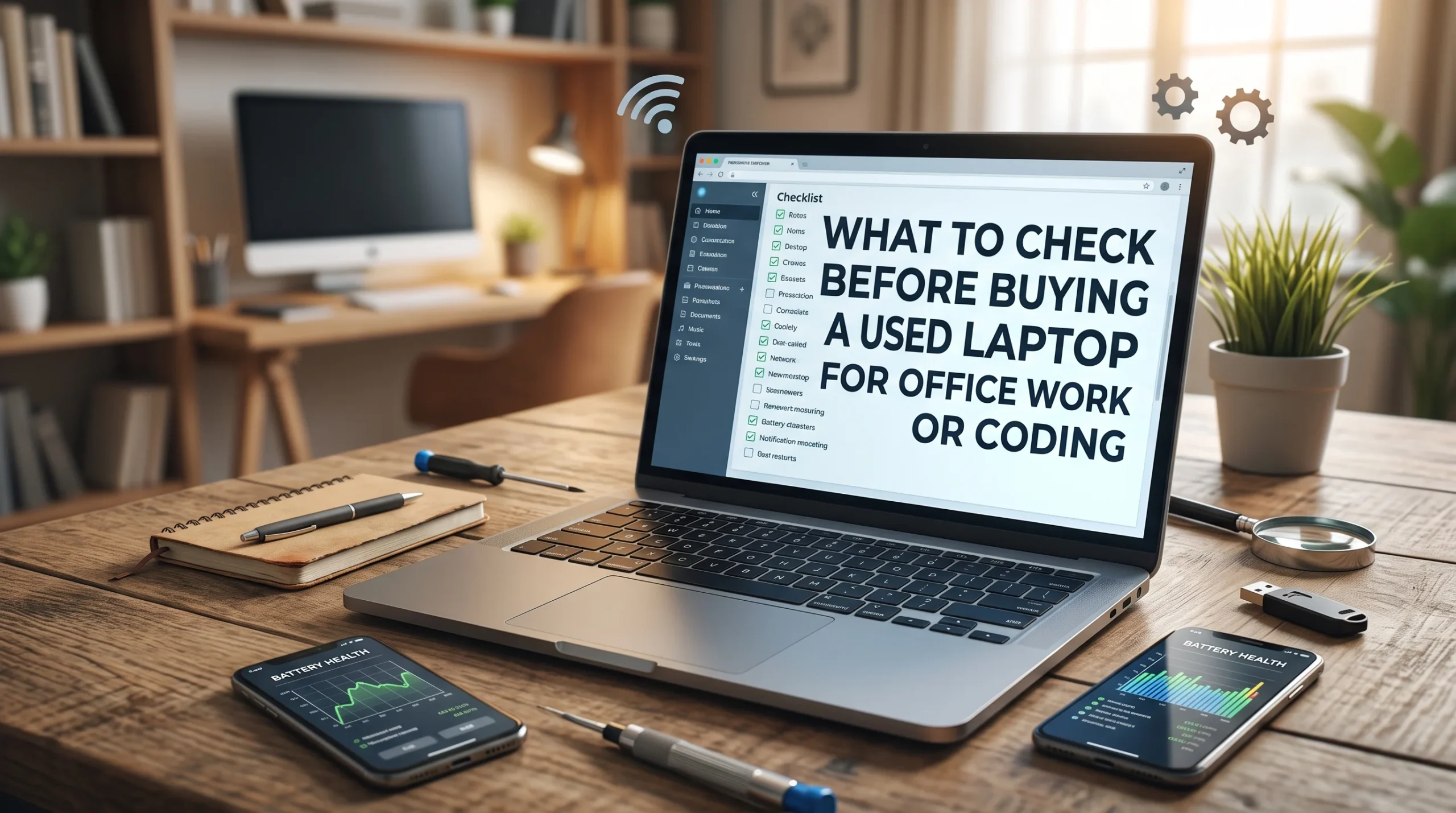
Look, we have all been there: you see a clean, sleek ThinkPad or Latitude on Facebook Marketplace for an unbelievable price, and your finger immediately hovers over the message button. But here’s the harsh reality—used tech is a minefield. Sellers have gotten really good at wiping smudges off the lid, hiding dying batteries, and masking thermal issues just long enough to collect your cash and vanish. Before you hand over a single rupee or dollar, you need to treat the deal like an inspection, not a simple pickup.
Buying a used laptop is one of the smartest ways to get solid computing power without spending flagship money. Business machines like Lenovo ThinkPads, Dell Latitudes, and HP EliteBooks are built to take a beating, and enterprise lease cycles mean hundreds of clean, reliable laptops hit the used market every week.
However, buying second-hand is also a minefield. Sellers hide dying batteries, repaired motherboards, thermal throttling, and locked firmware behind a clean exterior wipe.
If you are buying a used laptop for office tasks, programming, compiling code, or multitasking across dozen-tab browser setups, here is the complete, practical checklist of what to inspect—including the hidden traps most buyers overlook.
Before checking specs or battery health, check the machine’s root access. If you get caught by any of these, you have bought a fancy paperweight:
Do not waste money on obsolete architectures, no matter how cheap they appear.
| Use Case | Minimum CPU | Recommended RAM | Storage Type |
| Basic Office Work (Excel, Docs, Zoom) | Intel Core i5 (8th Gen+) or AMD Ryzen 3000+ | 8 GB DDR4 | 256 GB NVMe SSD |
| Web / App Development (VS Code, Node.js) | Intel Core i5 (10th/11th Gen+) or Ryzen 4000+ | 16 GB DDR4/DDR5 | 512 GB NVMe SSD |
| Heavy Engineering / Docker | 6-core / 8-core CPU or Apple Silicon (M1/M2/M3) | 16 GB – 32 GB | 1 TB NVMe SSD |
‘Never rush a meet-up. If a seller starts giving you the “bhai jaldi karlo, another buyer is waiting” routine, take a step back. A legitimate seller with nothing to hide will comfortably let you sit down, connect to a mobile hotspot, and run your diagnostics for 15 or 20 minutes. If they get fidgety the moment you plug in a flash drive to check temps or drive health, wrap it up and walk away. Peace of mind is worth more than a cheap deal.’
A classic trap in slim modern laptops is soldered memory.
Check the exact model number online before meeting the seller. Laptops like the ThinkPad T480 or Dell Latitude 5400 feature dual SODIMM slots, allowing you to upgrade from 8 GB to 32 GB or 64 GB down the road for cheap. Conversely, machines like the Dell XPS 13 or ThinkPad X1 Carbon often have soldered RAM. If you buy a soldered 8 GB laptop for programming, you will run into severe memory paging issues the moment you spin up Docker containers, local databases, and IDEs simultaneously.
Laptop batteries degrade over time, and replacing an internal battery can add $40 to $80 to your total cost.
powercfg /batteryreportOpen the generated HTML file in a browser. Compare the Design Capacity to the Full Charge Capacity. If the capacity has degraded past 25–30% of its original rating, factor a replacement battery into your negotiation.Cold Outreach Templates That Actually Get Replies
Laptops used in dusty environments or run hard for years often have dried thermal paste and clogged heatsink fins. A machine might feel fast while opening Notepad, only to drop clock speeds to a crawl under sustained load.
Hard drives (HDDs) have no place in a modern workstation—insist on an SSD.
Launch CrystalDiskInfo from your flash drive to check the health status of the internal NVMe or SATA SSD. It will show you:
Office work and coding mean staring at the screen and typing for 8+ hours a day. Small defects become massive irritations over time.
{, }, [, ]), backticks (`), and modifiers (Ctrl, Alt). Make sure none stick or fail to register.A lot of laptops on the market are resurrected units that suffered liquid spills or short circuits:
At the end of the day, cosmetic scuffs and surface scratches don’t break code or slow down spreadsheets. A beaten-up top lid with pristine internals and an unlocked BIOS is a million times better than a polished, showroom-clean machine that throttles to a crawl or locks you out a week later. Do your homework, run the checks, and don’t fall for shiny shells.






One thought on “What to Check Before Buying a Used Laptop: Checklist for Office & Coding (2026)”