Let’s be honest: nobody actually enjoys sitting down on a Sunday evening with a cup of tea just to log thirty different receipts into a spreadsheet. I tried doing that with color-coded Excel sheets a couple of years ago, and by week three, I just gave up because life got busy. That’s the real reason regular budgeting fail. It feels like a chore. Micro-budgeting is different simply because it takes human laziness into account and lets your phone do the heavy lifting in the background.
Traditional budgeting methods fail most people for one simple reason: manual logging requires an exhausting amount of friction. Writing down every espresso or parking fee in an envelope system or spreadsheet often collapses within three weeks.
Micro-budgeting fixes this behavioral hurdle. Instead of demanding hour-long monthly reviews, micro-budgeting focuses on daily, bite-sized financial awareness by automating transaction syncing, categorizing micro-spending, and giving you an immediate answer to one essential question: “Can I spend this right now?”
The following seven automated micro-budgeting apps and tools remove administrative drag, letting algorithms handle tracking so you can focus on building sustainable habits.
1. PocketGuard: The Real-Time “Safe-to-Spend” Engine
Most budgeting apps overwhelm you with twenty different colored bars showing how much you have left for utilities, fuel, or dining. PocketGuard simplifies your entire cash flow into one core figure called “In My Pocket.”
How the Automation Works: Once connected to your bank and credit card feeds via read-only financial aggregators like Plaid, PocketGuard automatically calculates your baseline:$$\text{Income} – (\text{Fixed Bills} + \text{Estimated Taxes} + \text{Savings Goals}) = \text{Spendable Daily Cash}$$
Real-World Example: Suppose you earn $4,200 per month. Your fixed rent, car payment, recurring utilities, and automated savings deposit total $3,200. PocketGuard recognizes this upfront, automatically deducts upcoming bills, and shows you that you have approximately $33 per day (or $233 per week) left for food, shopping, and discretionary spending.
Why It Works for Micro-Budgeting: You do not need to log expenses manually. As soon as you tap your card at a pharmacy or bakery, the transaction imports in the background, instantly lowering your spendable balance for the week.
2. Rocket Money: Automated Subscription Auditing & Bill Negotiation
Silent recurring charges are one of the biggest drains on micro-budgets. Streaming platforms, uncancelled gym memberships, software trials, and recurring app subscriptions often slip past unnoticed on monthly bank statements.
How the Automation Works: Rocket Money continuously scans your linked transaction feeds for recurring billing patterns, payment intervals, and subtle price hikes. It presents every active recurring commitment on a clean, centralized dashboard.
Real-World Impact: In practical usage, it is common to discover $30 to $80 per month in dormant subscriptions—such as duplicate cloud storage or streaming tiers that quietly increased their rates. Rocket Money lets you trigger automated cancellations directly within the app and offers an automated concierge service to negotiate rate reductions on utility and internet bills.
Micro-Budgeting Edge: Stopping passive leaks automatically frees up cash flow without requiring you to cut back on lifestyle essentials.
Here is a personal reality check: Most of us are bleeding $20 to $50 every month without even realizing it. A free trial for an editing app you forgot to cancel, a streaming service you haven’t opened since last year, or a gym app you promised you’d use. Rocket Money essentially acts like that blunt friend who taps your shoulder and asks, ‘Why on earth are you still paying $14.99 for that software you haven’t opened in six months?
Built by the original product leaders behind classic personal finance tools, Monarch Money has quickly become the gold standard for individuals and couples seeking automated, high-visibility tracking across multiple institutions without clutter or ads.
How the Automation Works: Monarch uses multi-aggregator technology (syncing with Plaid, MX, and Finicity) to ensure bank connections rarely drop. Its key automation strength is its Smart Rules engine: you can train Monarch to recognize complex transaction patterns (e.g., “If vendor contains ‘Shell’ and amount is under $15, categorize as Snacks; if over $15, categorize as Fuel”).
Real-World Example: For couples managing shared household costs, Monarch syncs both partners’ accounts into a unified cash-flow view while allowing customizable privacy filters. You can see total household micro-spending on groceries, takeout, and pet supplies update in real time without manually sharing receipts.
Micro-Budgeting Edge: Its automated forecasting lets you simulate how saving an extra $10 a day alters your net-worth trajectory over 12, 24, and 36 months.
Quicken Simplifi is engineered for users who want lightweight, modern tracking without the complexity of traditional zero-based ledgers.
How the Automation Works: Simplifi replaces restrictive monthly budget caps with a dynamic Spending Plan. It automatically monitors incoming direct deposits, tracks regular pay schedules, and subtracts planned recurring transactions to give you a live spending buffer for discretionary purchases.
Real-World Example: If an unexpected electricity bill arrives higher than normal, Simplifi adjusts your remaining discretionary buffer automatically for the rest of the month, alerting you to adjust small everyday purchases before you risk dipping into emergency savings.
Micro-Budgeting Edge: Features automated Amazon purchase integration and natural-language transaction search, turning vague credit card lines like “AMZN Mktp US” into clear, categorized items.
Acorns approaches micro-budgeting from the savings side of the ledger. Instead of only tracking where your spare money goes, it captures micro-amounts at the point of sale and redirects them into automated investments.
How the Automation Works: Acorns connects to your primary debit and credit cards. Whenever you make a routine purchase, the platform automatically rounds up the transaction to the nearest whole dollar and accumulates the difference. Once round-ups reach a preset threshold (typically $5), the app automatically pulls the funds into a diversified exchange-traded fund (ETF) portfolio.
Real-World Example:
Morning coffee: $4.35 $\rightarrow$ rounded to $5.00 ($0.65 saved)
Supermarket run: $32.18 $\rightarrow$ rounded to $33.00 ($0.82 saved)
Gas station snack: $2.45 $\rightarrow$ rounded to $3.00 ($0.55 saved)A typical cardholder averaging 3 transactions per day effortlessly diverts $45 to $75 per month directly into investments without feeling the financial pinch.
Micro-Budgeting Edge: It turns casual micro-spending into an automatic wealth-building mechanism.
Copilot is built specifically for users who want a sleek, native experience with machine learning that continuously improves its transaction sorting.
How the Automation Works: Copilot utilizes machine-learning models to parse transaction metadata. When it detects an ambiguous purchase, it prompts you with a quick one-tap verification to establish the rule for the future. Over time, manual interventions drop to near zero.
Real-World Example: If you frequently split dining tabs using peer-to-peer payment apps like Venmo or PayPal, Copilot intelligently maps return deposits against original meal expenses, ensuring your restaurant category shows accurate net spending rather than artificially inflated numbers.
Micro-Budgeting Edge: Real-time push notifications alert you within seconds of a charge with context on where that purchase leaves your monthly category target.
7. YNAB (You Need A Budget): Automated Sync with Proactive Zero-Based Allocation
While YNAB is rooted in strict zero-based budgeting, its automated bank-sync engine and scheduled transaction tracking make it one of the most powerful micro-management frameworks available.
How the Automation Works: YNAB connects directly to checking accounts, savings accounts, credit cards, and line-of-credit facilities. Transactions import and auto-categorize based on historical merchant matching.
Rule 3 in Action (“Roll with the Punches”): If you budget $80 for coffee and end up spending $95 due to office pastries, YNAB automatically flags the $15 deficit and prompts you to balance it by moving $15 from a non-critical envelope (like clothing or entertainment).
Micro-Budgeting Edge: It removes the guilt of accidental micro-overspending by creating an automated system to rebalance categories in seconds rather than letting month-end budgets fail completely.
Automated Micro-Budgeting Feature Matrix
Tool
Primary Automation Strength
Best For
Typical Pricing
PocketGuard
Auto-deducts bills to show instant “In My Pocket” daily spend
Low-maintenance budgeters
Free tier / ~$7.99/mo
Rocket Money
Automated subscription detection & bill negotiation
Auto-import paired with real-time envelope rebalancing
Eliminating debt & proactive planning
~$14.99/mo or $109/yr
Step-by-Step Implementation Framework
To get the full benefit of automated micro-budgeting without feeling overwhelmed, roll out your setup systematically:
Audit Security Protocols First: Ensure the tool uses read-only bank connections backed by end-to-end 256-bit encryption through reputable financial APIs (such as Plaid, MX, or Finicity). Legitimate budgeting apps never store your login credentials or have permission to transfer money out of your accounts.
Link High-Frequency Accounts Only: Connect your primary checking account and 1–2 everyday credit cards first. Avoid syncing long-term retirement accounts or illiquid assets into your micro-tracker immediately; keeping the dashboard focused on day-to-day liquidity prevents analytical fatigue.
Train Categorization Rules for Two Weeks: During the first 14 days, spend 60 seconds each evening reviewing imported transactions to correct mislabeled merchants. Once the algorithm learns your routine locations, the process becomes virtually touchless.
Act on Weekly Micro-Surpluses: If your safe-to-spend target shows a surplus at the end of a week, transfer that surplus to high-yield savings or debt reduction right away. Consistent weekly adjustments compound faster than waiting for year-end reviews.
In last you don’t need an MBA or an overly complicated dashboard with thirty charts to fix your finances. Just pick one app that actually matches how your brain works, connect your main spending card, and let it run for a couple of weeks. When you finally stop worrying about whether buying an extra $4 iced latte is going to break your monthly rent, that peace of mind is worth every single automated alert.
One thought on “7 Best Micro-Budgeting Apps to Track Daily Expenses Automatically (2026)”


 1
1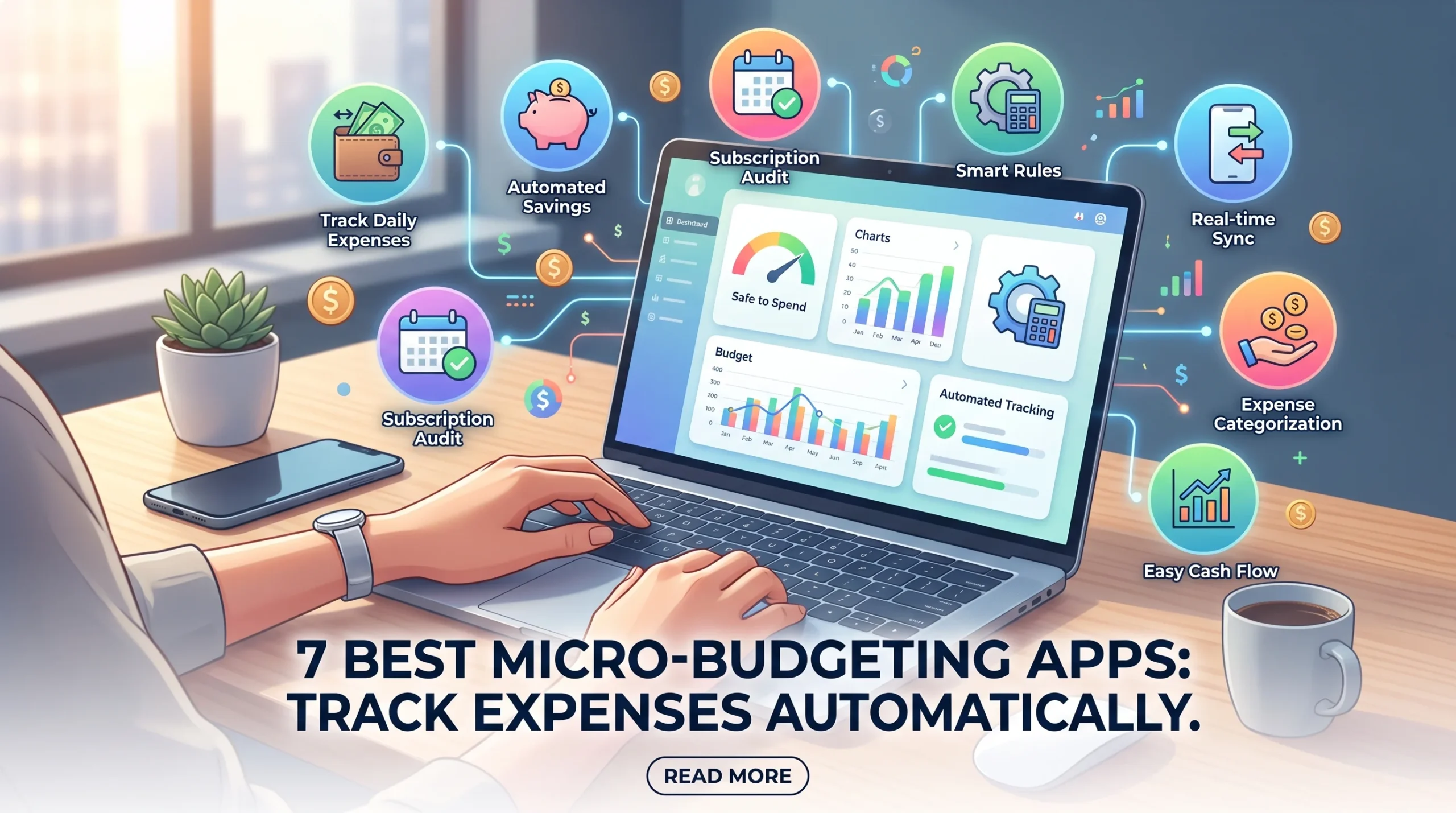




One thought on “7 Best Micro-Budgeting Apps to Track Daily Expenses Automatically (2026)”